- How-To
- Exporting
- 5 min read
- Last verified 22 November 2026
How to export goods from India (shipping bill and LEO)
Learn how to get an IEC, file a shipping bill on ICEGATE, and obtain a Let Export Order so your cargo can leave India.

General information, not legal advice. Rules, fees and forms change. Confirm with the agency named in the sources, or a licensed professional, before you file or ship.
- Who needs this
- Any person who intends to export from India needs an Importer Exporter Code (IEC). The exporter, or a person the exporter authorizes who holds a valid customs broker licence, files the shipping bill on ICEGATE.
- Cost
- ICEGATE does not charge a fee for filing shipping bills. The IEC application carried a stated fee of Rs. 500 in an older Customs procedures document, and the current fee is in Appendix-2K of the DGFT Handbook of Procedures, so confirm it on the DGFT portal before you pay. Customs duty, if any applies to your goods, is a separate payment.
- Time
- DGFT states that an IEC certificate is issued immediately after a successful submission, provided the application is complete. No official average time for shipping bill assessment or LEO was found; the time depends on whether the shipment is selected for examination, the duty payment and the port's workload.
- Applies to
- India
Goods leaving India by sea, air or land need an export declaration filed electronically with Indian Customs, called a shipping bill. Customs must then give a Let Export Order (LEO), which permits the goods to be loaded and exported. You need this process for every export shipment, whether you are a manufacturer, merchant, freight forwarder or first-time exporter. This guide covers the general cargo route; courier shipments and special zones such as SEZs follow separate procedures.
Step by step
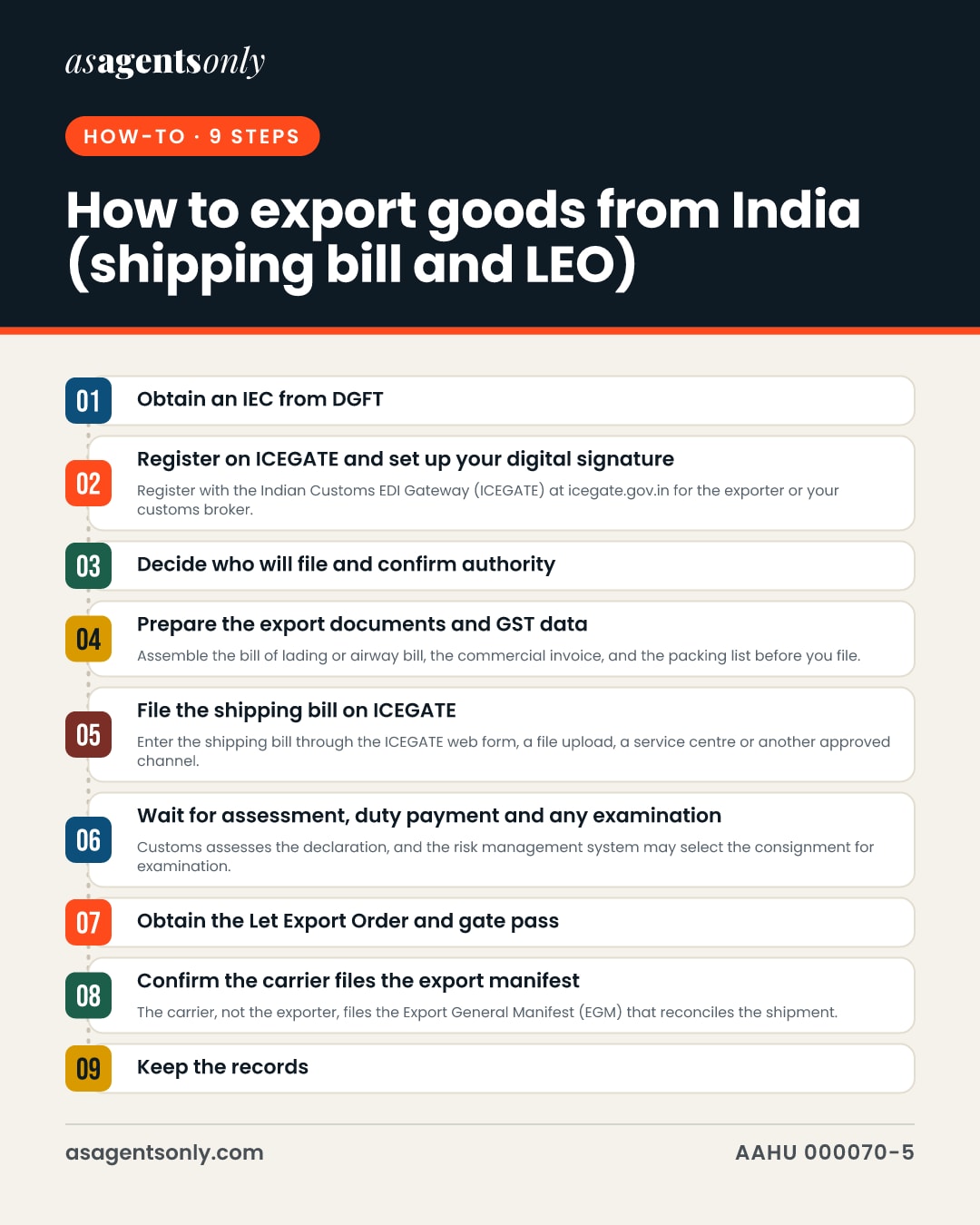
Obtain an IEC from DGFT
Register on the DGFT portal at dgft.gov.in, then apply for an IEC from your dashboard under the Importer Exporter Code section. The IEC is a unique 10-digit alphanumeric code linked to your PAN, and it is required before customs will clear your export. Once the application is accepted, you can download the e-IEC from your DGFT dashboard.
Register on ICEGATE and set up your digital signature
Register with the Indian Customs EDI Gateway (ICEGATE) at icegate.gov.in for the exporter or your customs broker. Your ICEGATE ID must be registered and active for the transaction type, and each file must be digitally signed. Customs also needs your Authorized Dealer code and bank account registered in the Indian Customs EDI System (ICES) at the port where you will export.
Decide who will file and confirm authority
The exporter may file the shipping bill directly, or authorize a person who holds a valid licence under the Customs Brokers Licensing Regulations, 2018. The authorized person enters the declaration on ICEGATE with a digital signature or through a Customs service centre. Keep a written record of the authority you give.
Prepare the export documents and GST data
Assemble the bill of lading or airway bill, the commercial invoice, and the packing list before you file. The invoice numbers, port code and GSTIN on your GST returns must match the shipping bill, because ICEGATE runs GST validations on export declarations. Attach the supporting documents to the declaration in ICEGATE's e-Sanchit facility or in the form the filing channel requires.
File the shipping bill on ICEGATE
Enter the shipping bill through the ICEGATE web form, a file upload, a service centre or another approved channel. ICEGATE sends an email confirmation when it receives the file, and ICES later sends an acknowledgement that the file was processed. The shipping bill is treated as filed once ICES generates the shipping bill number.
Wait for assessment, duty payment and any examination
Customs assesses the declaration, and the risk management system may select the consignment for examination. If duty applies, pay it through the ICEGATE process. The shipping bill number and status can be checked on ICEGATE by entering the shipping bill number, shipping bill date and location. Respond promptly to any query Customs raises, since queries hold up the order.
Obtain the Let Export Order and gate pass
When Customs is satisfied, it issues an order permitting clearance and loading of the goods, which is recorded on ICEGATE and sent electronically to the authorized person and the custodian. Download the shipping bill copy after LEO, and the gate pass for the LEO, from ICEGATE. Present these to the terminal or custodian before the cargo is moved for loading.
Confirm the carrier files the export manifest
The carrier, not the exporter, files the Export General Manifest (EGM) that reconciles the shipment. Confirm with the shipping line or airline that the EGM has been filed for your shipping bill. For claims such as the IGST refund, the export must be reconciled through the EGM.
Keep the records
Keep the assessed copy of the shipping bill, digital or printed, and the original supporting documents for five years from the date the shipping bill was presented. Customs can ask for them in any later audit or proceeding. Record the LEO date, because for benefits under the Foreign Trade Policy the LEO date is the date of reckoning of export.
Documents you will need
- Importer Exporter Code (IEC) number and the e-IEC certificate
- PAN of the exporting entity and the registered bank account
- ICEGATE registration and digital signature for the filer
- Authorization letter if a customs broker files on your behalf
- Commercial invoice with GSTIN and invoice details matching GST returns
- Packing list
- Bill of lading or airway bill
- Any certificate required for the goods, such as a certificate of origin or inspection certificate, where applicable
- Shipping bill number, date and port of export for the LEO and gate pass
Common mistakes
- Treating the shipping bill number as permission to load: the goods can move only after assessment, any duty payment and the Let Export Order.
- Letting invoice numbers, port code or GSTIN differ from your GST return data, since ICEGATE checks these against each other.
- Making changes after the LEO is granted: such amendments need approval from the Additional or Joint Commissioner of the Custom House, so correct the declaration before clearance.
- Filing with an inactive ICEGATE ID or an unsigned file, which ICEGATE rejects during validation.
- Discarding the assessed shipping bill and supporting documents before five years have passed, which can leave you unable to answer a later audit.
In pictures
The same facts as this page, as images to save or share. Tap one to open it full size.
Official sources
- FAQs On ICEGATECentral Board of Indirect Taxes and Customs (ICEGATE)
- FAQs on SEZ Filing (Part I)Central Board of Indirect Taxes and Customs (ICEGATE)
- Shipping Bill (Electronic Integrated Declaration and Paperless Processing) Regulations, 2019Central Board of Indirect Taxes and Customs
- Customs Act, 1962, Chapter VII: Export of goodsCentral Board of Indirect Taxes and Customs
- How to Export: A practical guideDirectorate General of Foreign Trade, Ministry of Commerce and Industry
- Customs Import Export ProceduresDirectorate General of Foreign Trade
- Import Export Code Certificate FAQsDirectorate General of Foreign Trade
- Handbook of Procedures 2023Directorate General of Foreign Trade, Ministry of Commerce and Industry
- Download Utility on ICEGATE 2.0 User ManualCentral Board of Indirect Taxes and Customs (ICEGATE)
- Communicating with ICEGATECentral Board of Indirect Taxes and Customs (ICEGATE)
Claims ledger: 20 facts and where each comes from
- The IEC is a unique 10-digit alphanumeric code issued on the basis of a PAN, with lifetime validity, and is required for customs clearance and for sending shipments.6
- Exporters must file the IEC application online with the Directorate General of Foreign Trade under ANF 2A, with an application fee of Rs. 500 paid online (figure from an older customs procedures document).6
- The average time to receive an IEC certificate is immediate from successful submission of the application.7
- IEC is compulsory for import and/or export, subject to listed exemptions.8
- ICEGATE does not charge any fee for filing Bills of Entry, Shipping Bills and other customs-related documents.2
- A shipping bill is deemed filed and self-assessment completed when a shipping bill number is generated by the Indian Customs Electronic Data Interchange System after entry on ICEGATE.3
- The authorized person must either enter the electronic integrated declaration on ICEGATE with a digital signature, or have it entered at a service centre.3
- An authorized person is an exporter, or a person authorized by the exporter who holds a valid licence under the Customs Brokers Licensing Regulations, 2018.3
- Documents required for export include the bill of lading or airway bill, the commercial invoice, and the packing list.1
- ICEGATE validates that the invoice number and port code in GSTR-1 match the shipping bill, and that the GSTIN used matches the shipping bill.1
- ICEGATE requires the filer's ICEGATE ID to be registered and active, and files to be digitally signed.1
- ICEGATE receipts trigger an immediate email confirmation, and ICES sends an acknowledgement once a file has been processed.10
- After assessment, payment of duty and examination, if required, an order permitting clearance is recorded on ICEGATE and conveyed electronically to the authorized person and the custodian.3
- ICEGATE allows users to download the shipping bill copy after Let Export Order and the gate pass for Let Export Order.9
- The carrier files the Export General Manifest, as ICEGATE's FAQ states for export declarations.1
- The authorized person must retain the assessed copy of the shipping bill and supporting documents for five years from the date of presentation.3
- Any authorized person who contravenes the regulations is liable to a penalty that may extend to fifty thousand rupees.3
- The exporter must ensure accuracy and completeness of the information in a shipping bill, the authenticity of supporting documents, and compliance with any restriction or prohibition on the goods.4
- Where the Let Export Order has already been given, amendments may be permitted only by the Additional or Joint Commissioner of the Custom House in charge of the export section.5
- For benefit under the Foreign Trade Policy, the Let Export Order date is the date of reckoning of export.8
Every figure on this page is tied to a cited source, last checked on 22 November 2026. Pages like this are re-checked every three months. Found something out of date? Tell the desk.