- Explainer
- Warehousing
- 3 min read
- Last verified 18 October 2026
What a warehouse management system (WMS) does
A WMS is warehouse software that organizes receiving, storage, picking, packing and shipping, and keeps inventory records current.

In short
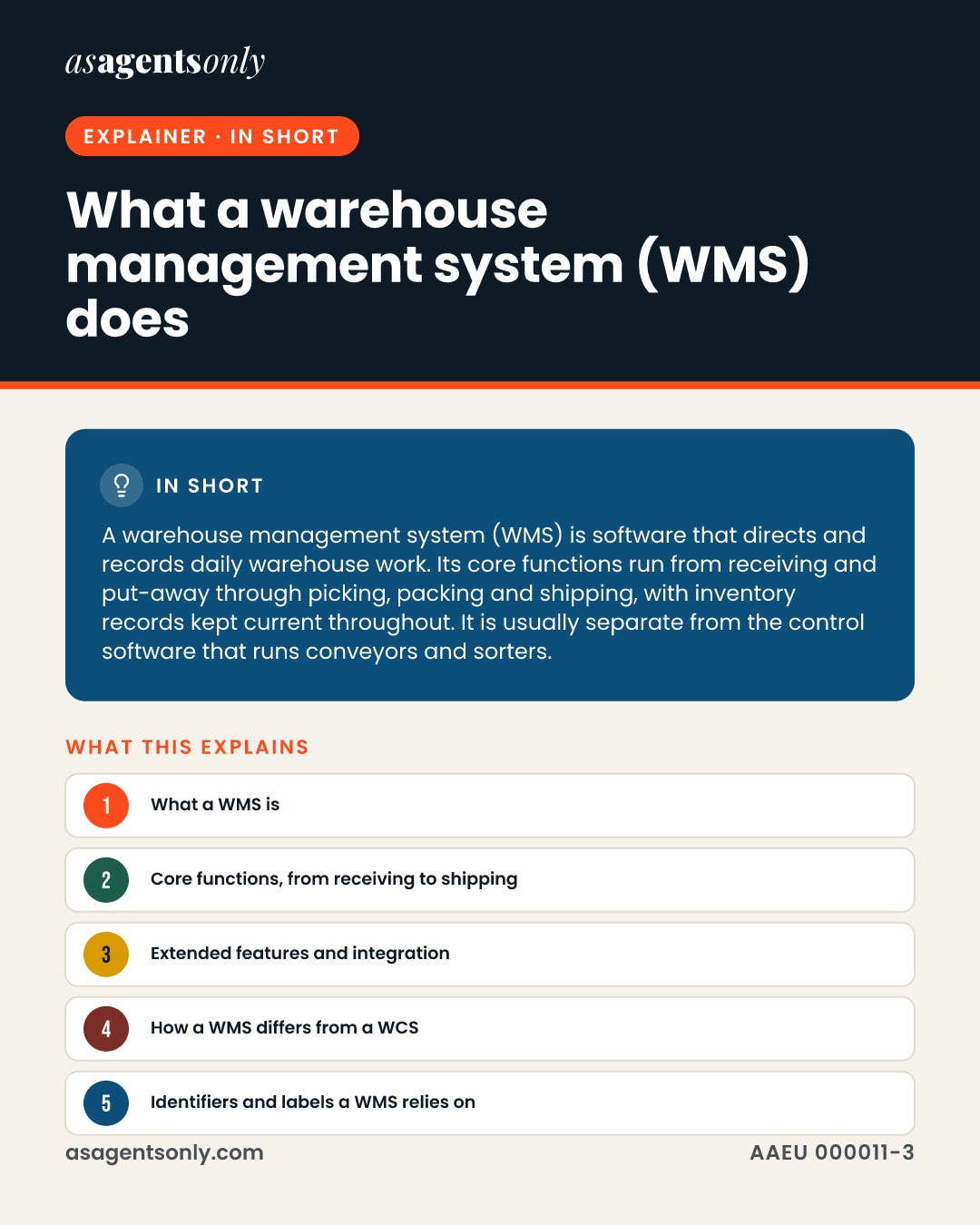
A warehouse management system (WMS) is software that directs and records daily warehouse work. Its core functions run from receiving and put-away through picking, packing and shipping, with inventory records kept current throughout. It is usually separate from the control software that runs conveyors and sorters.
Goods pass through a warehouse in many steps, and each step needs a record. A warehouse management system is the software that keeps those steps organized and visible. This explainer covers its job, its core and extended functions, the identifiers it depends on, and how it differs from a warehouse control system.
What a WMS is
A warehouse management system (WMS) is software that helps run the daily work of a warehouse or distribution center. The analyst firm Gartner frames it as a tool for managing and intelligently executing those operations. Modern products use handheld devices, barcodes and, at some sites, RFID to record transactions as they happen, which gives staff near real-time information.
Because each move is logged, managers can see where stock sits and what has happened to it. The Material Handling Institute (MHI), a trade association, describes the same core role: steering inventory, space, equipment and labor so that goods and information move from receiving through shipment.
Core functions, from receiving to shipping
Gartner groups the core functions as receiving, put-away, storage, counting, picking, packing and shipping. A WMS handles the transactions behind those steps and keeps the inventory record current. It also supports pick planning, including grouping orders by order, batch or wave before picking starts.
Cycle counting is a major use. Once record accuracy is high, scheduled cycle counts can take the place of full physical counts. At shipping, the system supports checklists, manifests and bills of lading.
Extended features and integration
Beyond the core, a WMS may add labor management, slotting, yard management, dock scheduling, cross-docking and transportation management. What a site gets depends on its scope and budget, and features differ between vendors even though the basic needs they serve are shared.
A WMS can run as a standalone product or as a module inside an ERP suite. Links to other business systems give users live stock availability by item, lot, serial number and location, which helps sales teams confirm what can be promised to customers.
How a WMS differs from a WCS
A warehouse control system (WCS) is a separate category. The MHI describes the WMS as a planning system that manages information, and the WCS as the execution layer that directs conveyors, sorters and other equipment. The WCS sits between business software and equipment controllers, passing instructions in real time.
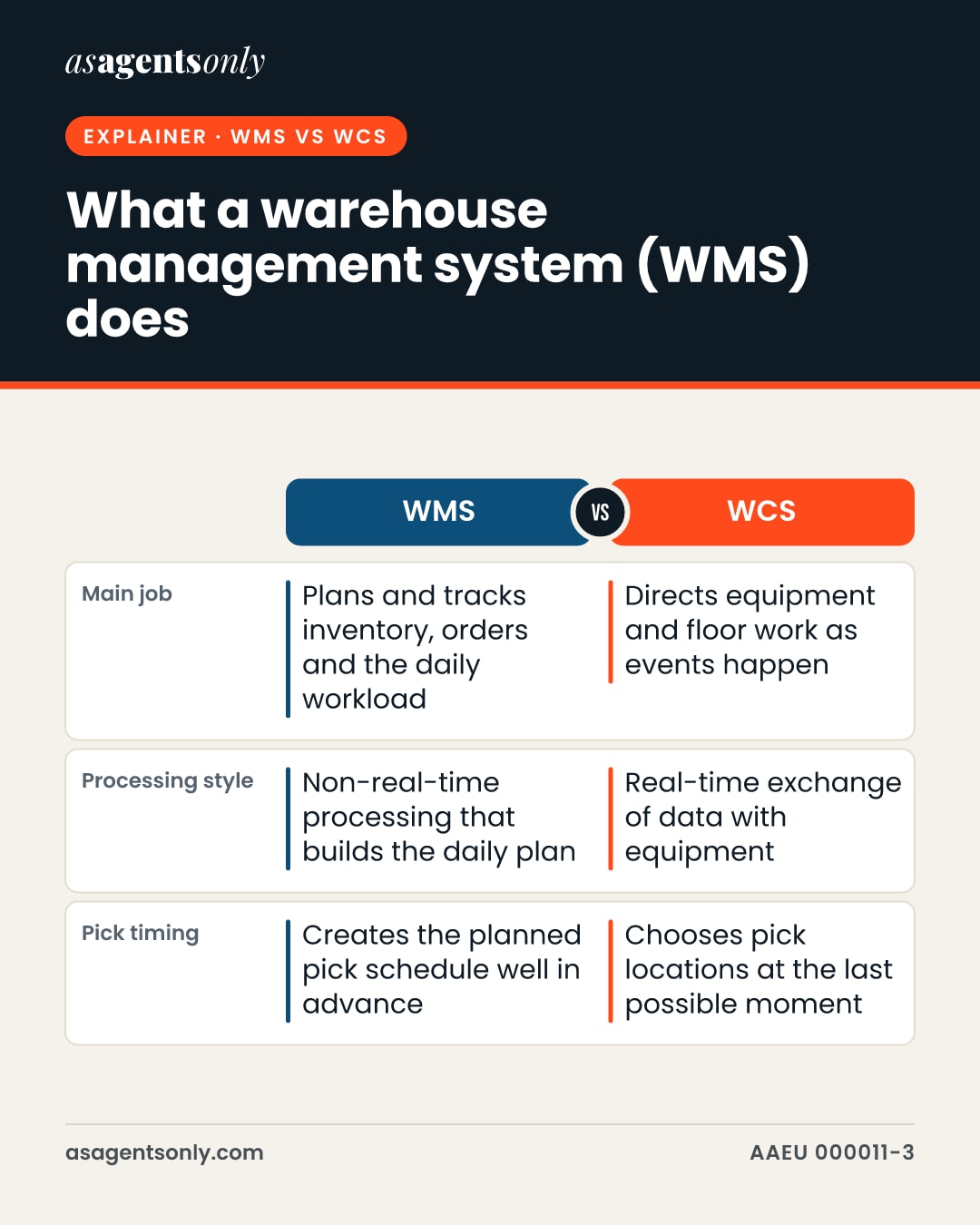
The trend the MHI describes is for the WMS to handle strategic planning while the WCS becomes the execution engine on the floor. The comparison below summarizes the split.
Identifiers and labels a WMS relies on
A WMS is only as reliable as the identifiers it reads. Under GS1 standards, a Serialized Shipping Container Code (SSCC) identifies logistic units such as cases, pallets and containers. GS1 guidance places SSCC generation inside a WMS or ERP, and a shipper builds its SSCCs from its own GS1 Company Prefix.
Barcode choice also matters. GS1-128 can carry lot numbers, serial numbers and expiration dates alongside the item key, while an ITF-14 symbol carries only the GTIN and suits printing on cartons.
Side by side
| Compared | WMS | WCS |
|---|---|---|
| Main job | Plans and tracks inventory, orders and the daily workload | Directs equipment and floor work as events happen |
| Processing style | Non-real-time processing that builds the daily plan | Real-time exchange of data with equipment |
| Pick timing | Creates the planned pick schedule well in advance | Chooses pick locations at the last possible moment |
Example
Example (illustrative only): A small distributor receives one pallet holding twelve cases of a single product. At receiving, the WMS records the arrival, assigns the pallet a storage location and links it to an SSCC. When a customer order calls for three cases, the system generates a pick list, and the completed order details are recorded for shipping and tracking.
In pictures
The same facts as this page, as images to save or share. Tap one to open it full size.
Official sources
- Make the Best of Gartner Warehouse Management Systems Magic Quadrant ReportSupply Chain 24/7 (quoting Gartner)
- Orchestrating Warehouse Efficiency: Warehouse Control System White PaperMaterial Handling Institute (MHI)
- Supply Chain Execution Systems: Warehouse Management Systems Lecture ResourceMaterial Handling Institute (MHI)
- Warehouse Software: Discerning The Differences Between WMS, WCS And WESMaterial Handling Institute (MHI)
Claims ledger: 32 facts and where each comes from
- The analyst firm Gartner frames a WMS as software meant to help run and intelligently execute warehouse or distribution center operations.1
- Gartner's core capabilities take in goods, put them away, keep and count stock, then pick, pack and ship them.1
- Labor management, slotting, yard management and dock scheduling are treated as extended capabilities that add to the core.1
- Handheld devices, barcodes and possibly RFID form the transaction base of these systems.1
- Those tools let a warehouse direct staff work and obtain accurate information nearly in real time.1
- Running overall warehouse activity and logging transactions for receiving, putaway, order selection and shipping is what the system exists to do.2
- Stock shifts between locations, physical stocktakes and cycle counts fall to the system.2
- Inventory data, customer orders and historical records accumulate in large volumes inside the system.2
- Cross-docking, slotting and transportation management are advanced modules a buyer may add, depending on scope and cost.2
- Feature sets vary between suppliers, while each product addresses one shared set of warehouse needs.2
- A buyer may deploy a WMS as its own product or inside an ERP suite.2
- A WCS links corporate applications and equipment controllers, joining ERP and WMS host systems with PLCs.2
- Designers classify the WMS as a planning system and the WCS as an execution system.2
- The WMS works in a non-real-time mode to produce the daily workload plan.2
- Pick schedules are built well ahead by the WMS, while the WCS responds to events on the warehouse floor.2
- The WCS can defer choosing a pick location until the final moment, based on live activity.2
- Equipment and the WCS exchange live data continuously, keeping conveyors and sorters coordinated.2
- The trend has the WMS handling strategic planning while the WCS becomes the execution engine on the warehouse floor.2
- Inventory, space, equipment and labor are managed so that goods and data flow from receiving through shipment.3
- Manifests and bills of lading are among the outputs a WMS handles at shipping.3
- Links to other business systems give users live stock availability by item, lot, serial number and location.3
- High record accuracy lets scheduled cycle counts substitute for full physical counts.3
- Among the three warehouse software types, the WMS is the most mature, dating back over four decades.4
- Instructions from a WMS reach automation hardware through a WCS.4
- GS1 guidance places generation of the SSCC inside a logistic management system such as a WMS or ERP.5
- A shipper builds its SSCC from its own GS1 Company Prefix.5
- The guideline makes a unique SSCC the one compulsory identifier for each logistic unit.5
- A GS1-128 symbol can carry data such as serial numbers and expiration dates beside the item key.6
- An ITF-14 symbol carries only the GTIN and suits printing on cardboard cartons.6
- Price and GTIN details can travel from an ERP server to a WMS as goods move toward retail stores.7
- The SSCC is the identifier used for cases, pallets and containers.8
- Managers rely on warehouses to report the status, condition and disposition of stored goods.9
Every figure on this page is tied to a cited source, last checked on 18 October 2026. Pages like this are re-checked every six months. Found something out of date? Tell the desk.