- How-To
- Licenses
- 4 min read
- Last verified 26 October 2026
How to get an Importer‑Exporter Code (IEC)
You will be able to apply for India's Importer-Exporter Code (IEC) on the DGFT portal, pay the fee, and keep the code current.

General information, not legal advice. Rules, fees and forms change. Confirm with the agency named in the sources, or a licensed professional, before you file or ship.
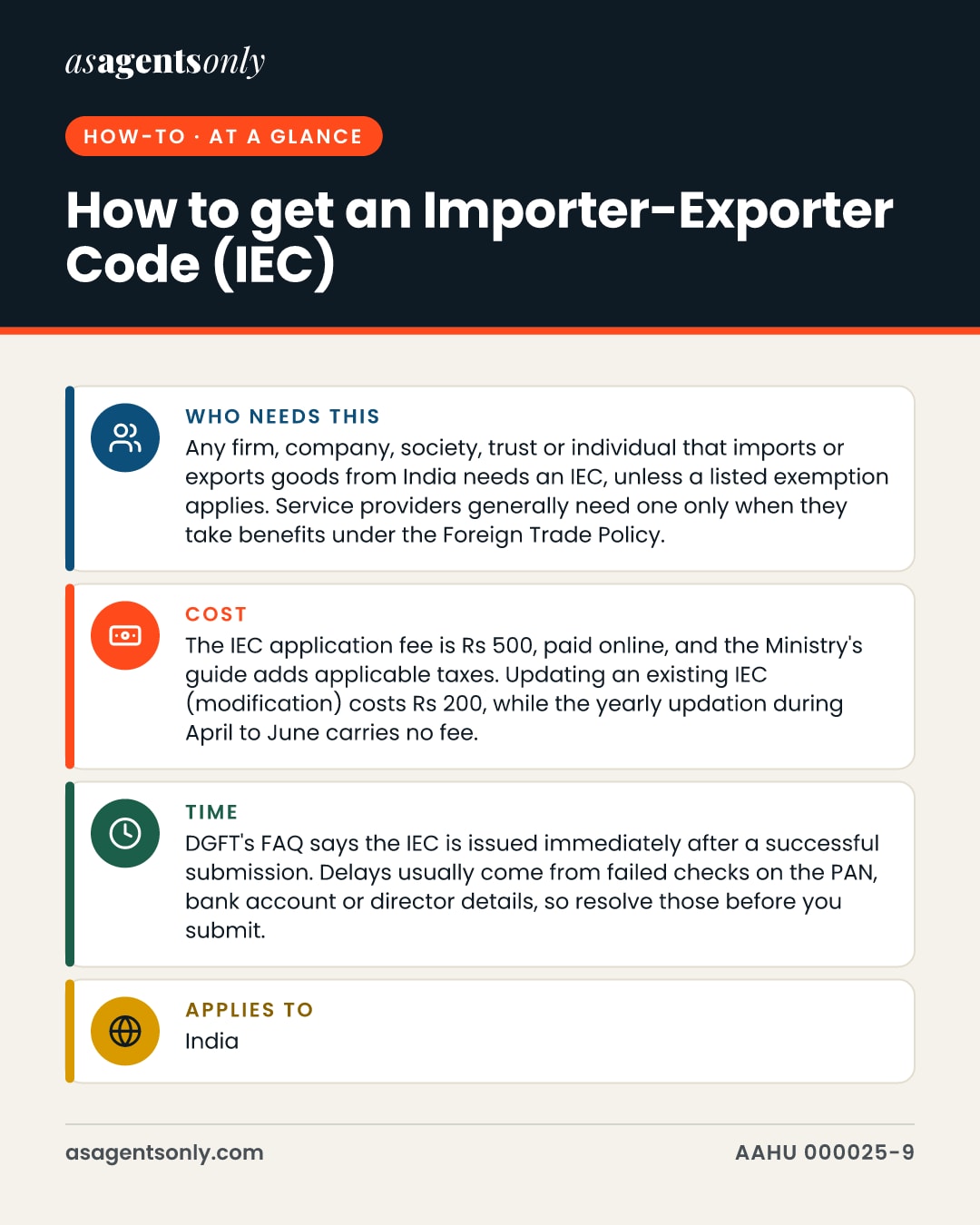
- Who needs this
- Any firm, company, society, trust or individual that imports or exports goods from India needs an IEC, unless a listed exemption applies. Service providers generally need one only when they take benefits under the Foreign Trade Policy.
- Cost
- The IEC application fee is Rs 500, paid online, and the Ministry's guide adds applicable taxes. Updating an existing IEC (modification) costs Rs 200, while the yearly updation during April to June carries no fee.
- Time
- DGFT's FAQ says the IEC is issued immediately after a successful submission. Delays usually come from failed checks on the PAN, bank account or director details, so resolve those before you submit.
- Applies to
- India
The Importer-Exporter Code (IEC) is the identification number that India requires before goods or certain services can cross its borders for trade. You need it before your first customs clearance or cross-border payment, and the application runs entirely online through the Directorate General of Foreign Trade (DGFT) portal.
Step by step
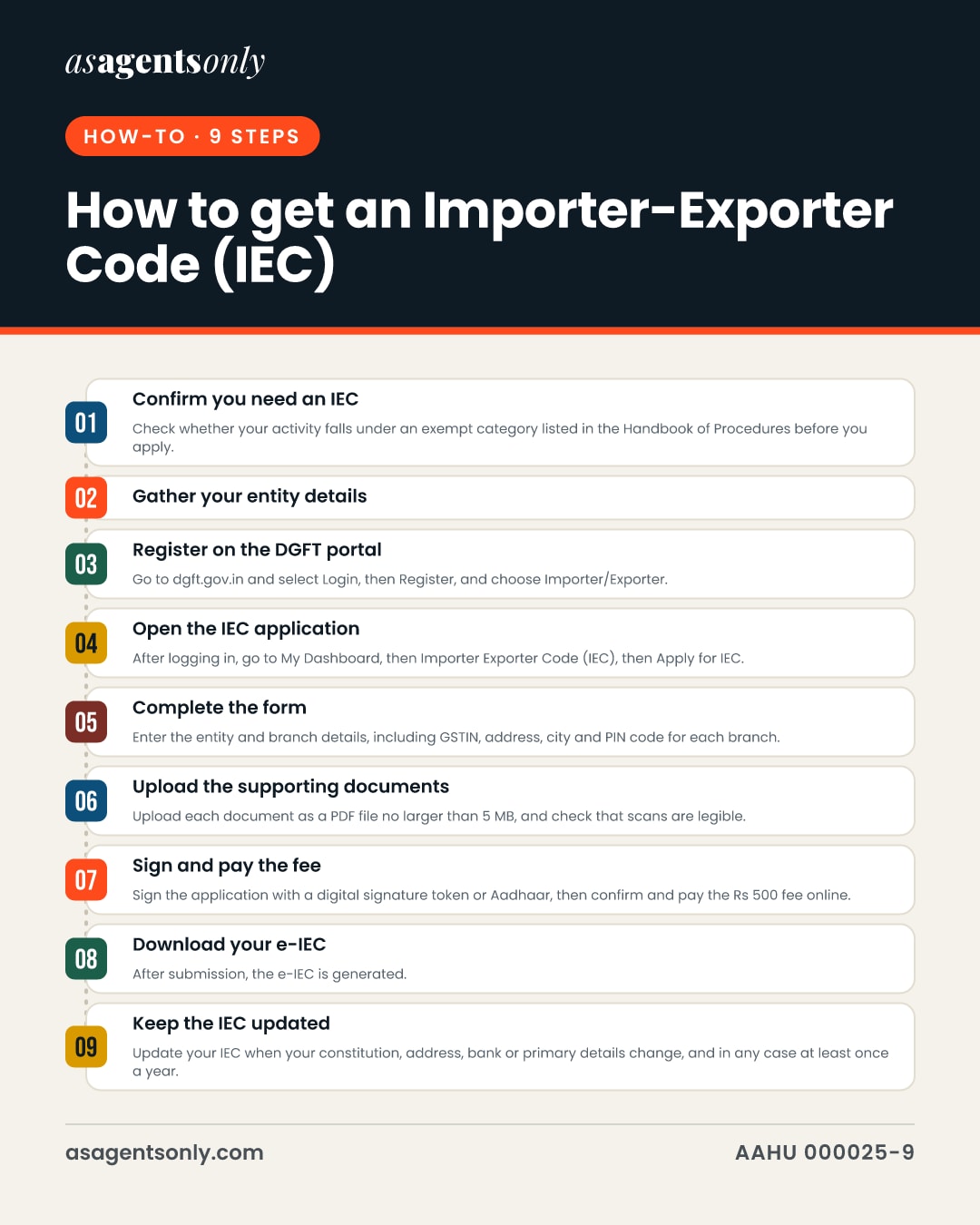
Confirm you need an IEC
Check whether your activity falls under an exempt category listed in the Handbook of Procedures before you apply. If you are a service provider, confirm that you will claim Foreign Trade Policy benefits, because that is what triggers the requirement.
Gather your entity details
Collect the firm's PAN, the name as it appears on the PAN, its date of birth or incorporation date, a bank account in the entity's name with a cancelled cheque or bank certificate, and address proof. Companies also need their Corporate Identity Number (CIN), and each branch needs its GSTIN if it has one.
Register on the DGFT portal
Go to dgft.gov.in and select Login, then Register, and choose Importer/Exporter. Enter your email and mobile number, confirm the OTPs sent to each, and log in with the temporary password emailed to you, then change it.
Open the IEC application
After logging in, go to My Dashboard, then Importer Exporter Code (IEC), then Apply for IEC. The portal opens the new-application form on the DGFT portal.
Complete the form
Enter the entity and branch details, including GSTIN, address, city and PIN code for each branch. Fill in every proprietor, partner, director, karta or managing trustee section, and select the reason you are applying for an IEC.
Upload the supporting documents
Upload each document as a PDF file no larger than 5 MB, and check that scans are legible. The system validates the details you enter against official records where it can, so keep the names identical across PAN, bank and registration papers.
Sign and pay the fee
Sign the application with a digital signature token or Aadhaar, then confirm and pay the Rs 500 fee online. The payment is routed through the Bharatkosh payment gateway, and the receipt can be downloaded afterward.
Download your e-IEC
After submission, the e-IEC is generated. Download the certificate from your DGFT dashboard, where it is also available as a copy sent to your email, and verify it later under the View IEC Related Details service.
Keep the IEC updated
Update your IEC when your constitution, address, bank or primary details change, and in any case at least once a year. Use the annual updation window in April to June, which has no fee, and pay Rs 200 for a modification made outside that process.
Documents you will need
- Firm PAN card, with the name and date of birth or incorporation exactly as on the PAN
- Registration or incorporation proof for the entity, such as a partnership deed, company certificate, society or trust registration
- Bank account in the entity's name, with a cancelled cheque bearing the pre-printed name or a bank certificate in the prescribed format
- Address proof for the registered office, and address details for each branch
- GSTIN and branch address details for any branch linked to the IEC
- Corporate Identity Number (CIN) for companies, so director details can be fetched
- Director, partner or proprietor identity details, including Aadhaar or digital signature token for signing
- Valid email address and mobile number for OTP verification and notifications
- Scanned copies of each document in PDF format, each up to 5 MB
Common mistakes
- Entering a firm name that does not match the bank account name, which stops the application; remove stray spaces and upload the bank support document that matches the name on the PAN.
- Applying for a second IEC when one already exists; one PAN carries one IEC and one user profile can link or apply for one IEC only, so link the existing code instead.
- Uploading scans larger than 5 MB or in a non-PDF format, which the system will not accept; compress or re-scan the document before you upload it.
- Skipping the yearly updation in April to June, even when nothing has changed; the IEC holder must keep the details current at least once a year.
- Paying the fee through an intermediary rather than the DGFT portal's own payment flow; file and pay only at dgft.gov.in.
In pictures
The same facts as this page, as images to save or share. Tap one to open it full size.
Official sources
- DGFT IEC Module User Help File v2.0Directorate General of Foreign Trade (DGFT), India
- Frequently Asked Questions, Profile Management (IEC) v1.0Directorate General of Foreign Trade (DGFT), India
- Handbook of Procedures, Chapter 2: General Provisions Regarding Imports and Exports (2026)Directorate General of Foreign Trade (DGFT), India
- Handbook of Procedures 2023Directorate General of Foreign Trade (DGFT), India
- Appendix 2K: Scale of User Charges and Process for Deposit/Refund of Application FeeDirectorate General of Foreign Trade (DGFT), India
- ANF-2A Application Form for Issue/Modification in Importer Exporter Code (IEC) NumberDirectorate General of Foreign Trade (DGFT), India
- How to Export: A Practical GuideMinistry of Commerce and Industry, India
- Chapter 2: General Provisions Regarding Imports and Exports (2019 update)Directorate General of Foreign Trade (DGFT), India
- DGFT IEC Module User Help FileDirectorate General of Foreign Trade (DGFT), India
- Frequently Asked Questions, Profile Management (IEC) v3.0Directorate General of Foreign Trade (DGFT), India
Claims ledger: 25 facts and where each comes from
- Applicants pay the IEC application fee of Rs 500 online, and the payment routes through the Bharatkosh payment gateway.1
- The application fee for a new IEC is Rs 500, and the fee for modifying an existing IEC is Rs 200.6
- The Ministry of Commerce guide gives the IEC fee as Rs 500 with applicable taxes, payable by net banking, debit card or credit card.7
- The DGFT fee schedule lists Rs 500 for an Importer Exporter Code application, and annual updation during April to June carries a nil fee.5
- The modification fee for an IEC is Rs 200.1
- The Handbook of Procedures requires IEC applications to be filed online in ANF-2A format at dgft.gov.in, with the applicable fee and the requisite documents.3
- The IEC application must be filed online through the DGFT process with the applicable fee and the requisite documents.4
- Applicants upload scanned copies of a cancelled cheque bearing the entity's pre-printed name, or a bank certificate in the prescribed format, plus address proof.3
- The details an applicant enters are validated online against records held by relevant ministries, departments and banks, wherever feasible.3
- After submission, the applicant can view and download the e-IEC from the DGFT dashboard.3
- The IEC is a 10-character alphanumeric number, mandatory for export and import activities, and is equal to the entity's PAN.8
- The IEC applicant's PAN and related details, such as name as per PAN and date of birth or incorporation, are validated against the Income Tax Department site.1
- Scanned documents must be in PDF format, with a maximum file size of 5 MB each.2
- The application is signed with a digital signature token or Aadhaar before submission.9
- The DGFT FAQ states that the average time to receive a new IEC is immediate from successful submission of the application.2
- For a company, director details are fetched from the Ministry of Corporate Affairs records based on the CIN, which is mandatory for companies.2
- If the firm name and bank account name do not match, remove any white spaces and upload the supporting bank account document.2
- Each user profile can link or apply for one IEC only.2
- Only one IEC is issued against a single PAN.4
- The IEC holder must update changes immediately, or at least once a year.4
- Some categories of importer and exporter are exempt from obtaining an IEC, and the list of those categories is set out in the Handbook of Procedures.6
- An IEC allotted to an applicant has permanent validity, subject to the conditions the Handbook of Procedures sets out.3
- For services, an IEC is required only when the service provider takes benefits under the Foreign Trade Policy.8
- The DGFT application flow for a new IEC starts with logging in, then selecting My Dashboard, Importer Exporter Code (IEC), and Apply for IEC.10
- Registration on the DGFT portal requires selecting Importer/Exporter, and the email address serves as the user name.2
Every figure on this page is tied to a cited source, last checked on 26 October 2026. Pages like this are re-checked every three months. Found something out of date? Tell the desk.